Daily routines
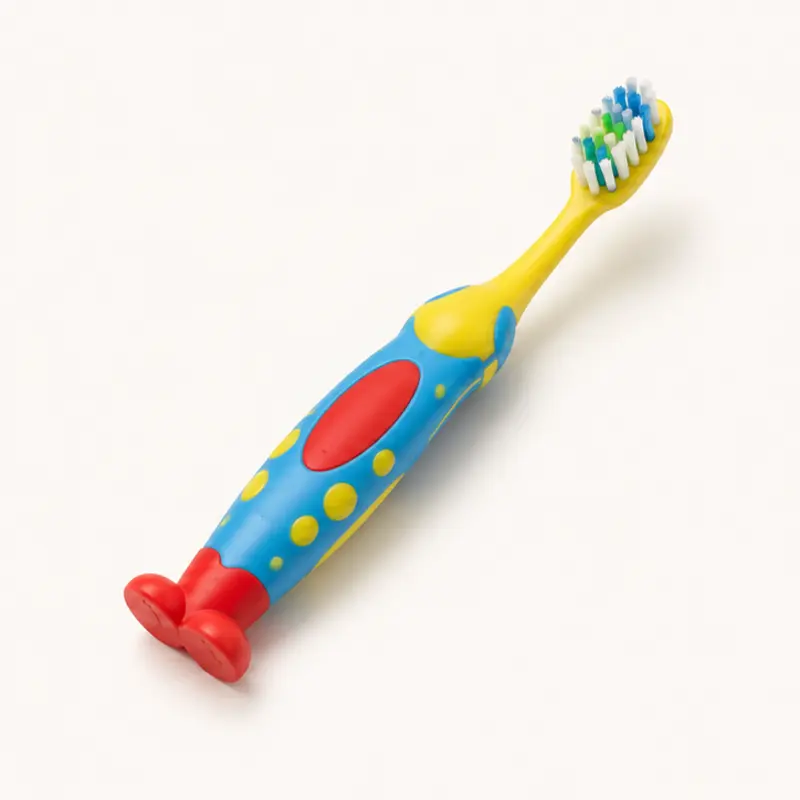
Toothbrushing
A 9-step toothbrushing chain (task analysis)
Nine steps, from “Grab toothbrush” to “Put away toothbrush and toothpaste,” with a reward after each step. Arcade is a checklist with ticket prizes and video models. In Roomba, a robot vacuum cleans after each step.
When
- Teach or maintain a self-care routine with forward, backward, or total-task chaining.
- Use with learners who do well with a visual checklist and a reward after each step.
- Use Roomba for learners who like to watch the vacuum, or when Arcade is not motivating.
Why
- Each step has its own video model that shows the action.
- An immediate reward after each step and a large reward at the end help the learner continue the chain.
- Step-level data shows which link in the chain fails.
How
- On the setup screen, select Arcade or Roomba.
- Tap Play. To change between Arcade and Roomba, go back to All tools and open Toothbrushing again.
- Arcade: when the learner completes a step, tap the step to win a ticket. ▶ View Video Model plays that step. To clear a step, tap it again. Reset game starts again from the beginning.
- Roomba: the screen shows one step at a time. When the learner completes the step, tap the dirty area or the large button to send the Roomba. Start over starts again from the beginning. 🔊 sets the sound on or off.
- Brushing steps 4–6 include a count-to-10 note for the adult.
Saved to the dashboard: Each step when the learner completes it. The dashboard shows the steps for each session, full routines, typical time, and how frequently the learner completed each step.