Daily routines
Tiny Bites
Bite shaping for food selectivity, with a choice board
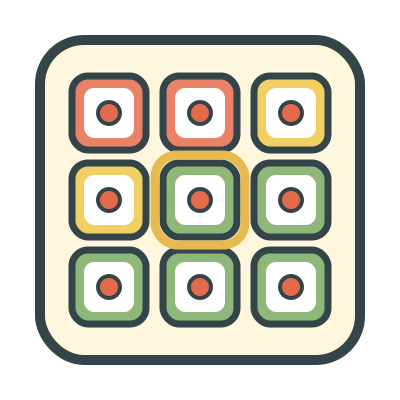
A choice board of 21 steps with a new food, from Look covered to Swallow 4. The learner selects a step and does it. The color of each card tells how much reward to give: green for all rewards, yellow for some, red for none. You set the color of each step for the learner.
When
- Treat food selectivity with a shaping hierarchy. The learner selects how far to go with each bite.
- Use with learners who do better with a visible choice and a clear, constant rule for what each choice earns.
Why
- The learner always has a choice. The color shows the reward before the learner selects, so a larger step always gives more reward.
- The board follows the criterion of the learner. When the criterion goes up, the colors move with it, one step at a time.
- The reward time counts down on the screen, and a soft tone ends it. Each reward has the same length.
- The app saves each selection with its color and your score. You can see which steps the learner selects, and when to move the criterion up.
How
- On the setup screen, select Full reward starts at. That step and the steps after it get full reward (green). The 2 steps before it get some reward (yellow). The other steps get no reward (red).
- To change the color of a step, tap Edit board, then tap a color on that step. You can also hide a step. Tap Done to go back to setup.
- Under More settings, you can set the reward times and select other colors. At the start, the times are 45 seconds for full reward and 30 seconds for some reward.
- Under More settings, select a Food picture for the cards.
- Tap Play.
- Present the food. The learner taps a card.
- Score the trial: Did it, Problem behavior, or Did not do it. Incorrect card puts the selection back and saves nothing.
- The screen changes to the color of the card and counts down the reward. For a red step, or for a step that the learner did not do, the screen tells you to remove the food.
- Tap Next trial.
- To remove the last trial, tap Back. End, then End round, goes back to setup.
Saved to the dashboard: Each step that the learner selects, its reward level at that time, and your score. A trial meets the goal when the learner does a full-reward step with no problem behavior. Each session shows the percent of trials that met the goal, the highest step done, and the scores for each step. When you move the start of full reward, the graph starts a new phase. The app does not save the food picture.