Naming & recognition
Flashcards
Naming pictures (tacts) in discrete trials
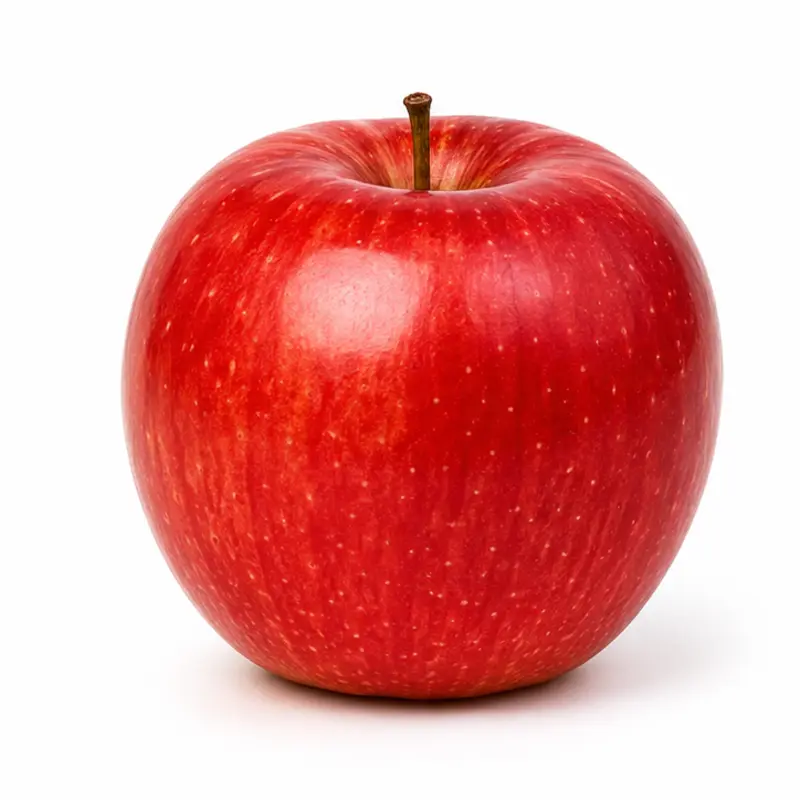
50 everyday nouns, each with 3 different photos (150 cards). The app shuffles the cards for each session. The adult gives the instruction and scores each card.
When
- Teach or probe labels for common objects, places, and people.
- Use for table-time drills, where you present, prompt, and score quickly.
- Examine generalization across different pictures of the same item.
Why
- Each word has three photos. The learner learns to generalize, and does not memorize one picture.
- You score with one tap. Then you can look at the learner, not at paper.
- If you do not complete the deck, the next session starts at the card where you stopped.
How
- Select the learner.
- Open Flashcards.
- Tap Start session. To use the tool and save no data, tap Practice as a guest.
- Show the card.
- Give your instruction, for example “What is it?” The app does not speak.
- Score the first response: Correct (right arrow, or swipe right) or Not yet (left arrow, or swipe left).
- If you make a mistake, tap Undo (⌘Z or Ctrl+Z).
- To see the answer label, tap Reveal target.
- To practice a word again, tap Log. Then tap Next time on the card of that word. The word comes back one time in the first 10 cards of the next new session. The app removes the word from the list when you score it. A session that continues keeps its sequence. The start and end screens show the list. To remove a word from the list, tap ×.
- After the last card, tap Reshuffle & begin again or View progress.
Saved to the dashboard: All scored cards. The dashboard shows the accuracy for each session, the targets with low accuracy, and a table of all targets.